
Prep // Step 1
Complete Onboarding Questionnaire
Complete this 24hrs BEFORE your tech call. This helps our team prep and speed up the process of getting your account setup.
Prep // Step 2
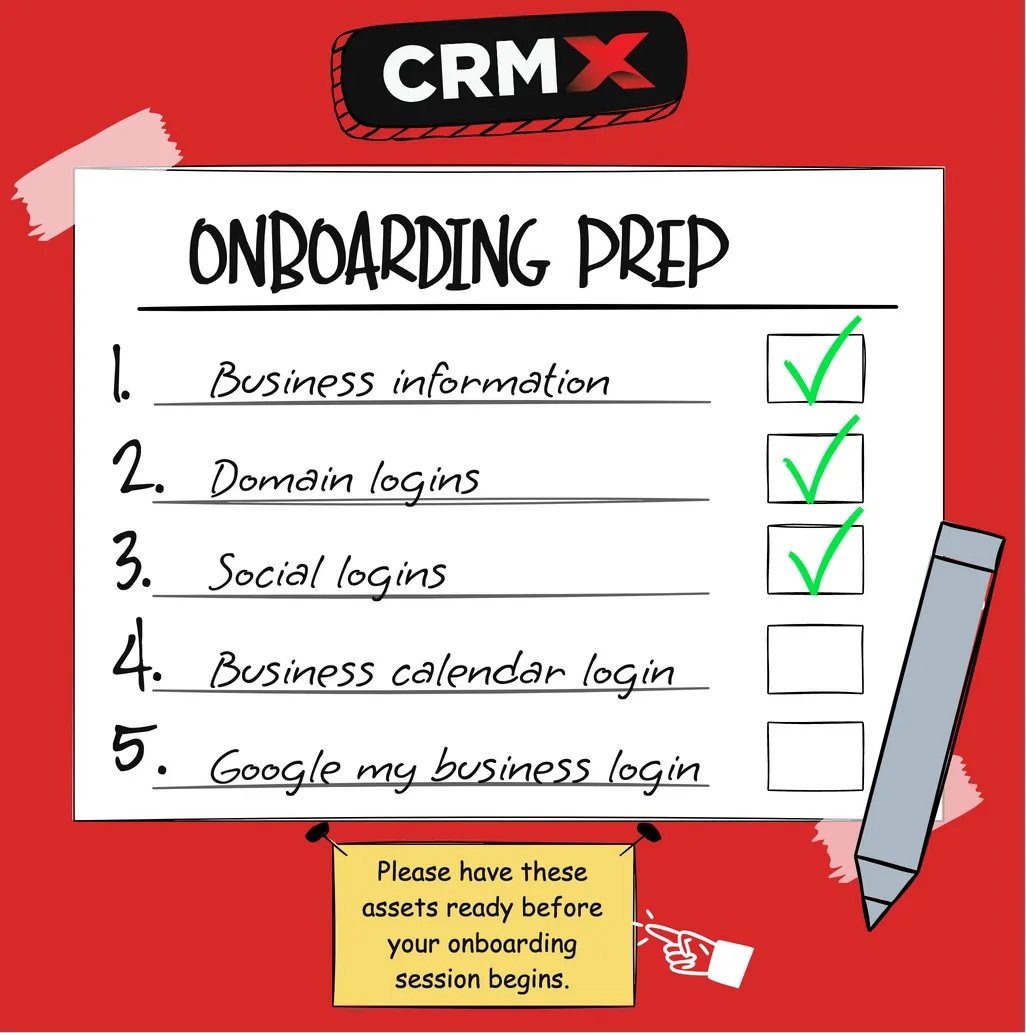
Have Logins & Assets Ready
To make the most of your Tech Setup Session, you’ll need full access to the key platforms and logins for your business. If you’re not fully prepared or the person with access won’t be on the call, reschedule now — we won’t be able to complete the setup without this information.
Delays happen when we’re blocked by missing passwords, verification codes, or locked accounts. Come prepared and we’ll get everything connected in one smooth session.
Business EIN number
This is your business’s Employer Identification Number issued by the IRS — we may need it for account setup, verification, or billing details.
Business Address (Registered with the IRS)
We’ll need the official address tied to your business for account registration, compliance, and connecting third-party tools properly.
Domain Registrar Login (e.g., GoDaddy, Namecheap)
We’ll need the official address tied to your business for account registration, compliance, and connecting third-party tools properly.
Business Social Media Logins
Facebook, Instagram, or other business accounts — these are essential for marketing, reputation management, and lead tracking tools inside CRMX.
Google Calendar or Outlook Login
Your business calendar is used to connect appointment scheduling, automate reminders, and sync availability with your system.
Google My Business Login
If you have a local business listing, this login allows us to connect and optimize your GMB profile for reviews, maps, and local SEO tools.
2FA / Verification Code Access
Make sure the person on the call can receive text, email, or app-based verification codes for all the accounts — we’ll need these in real time to log in securely.
Person With Access Must Be Present
If someone else (like your assistant, partner, or web developer) controls these logins, they must be on the call with you — we cannot complete setup without live access.